

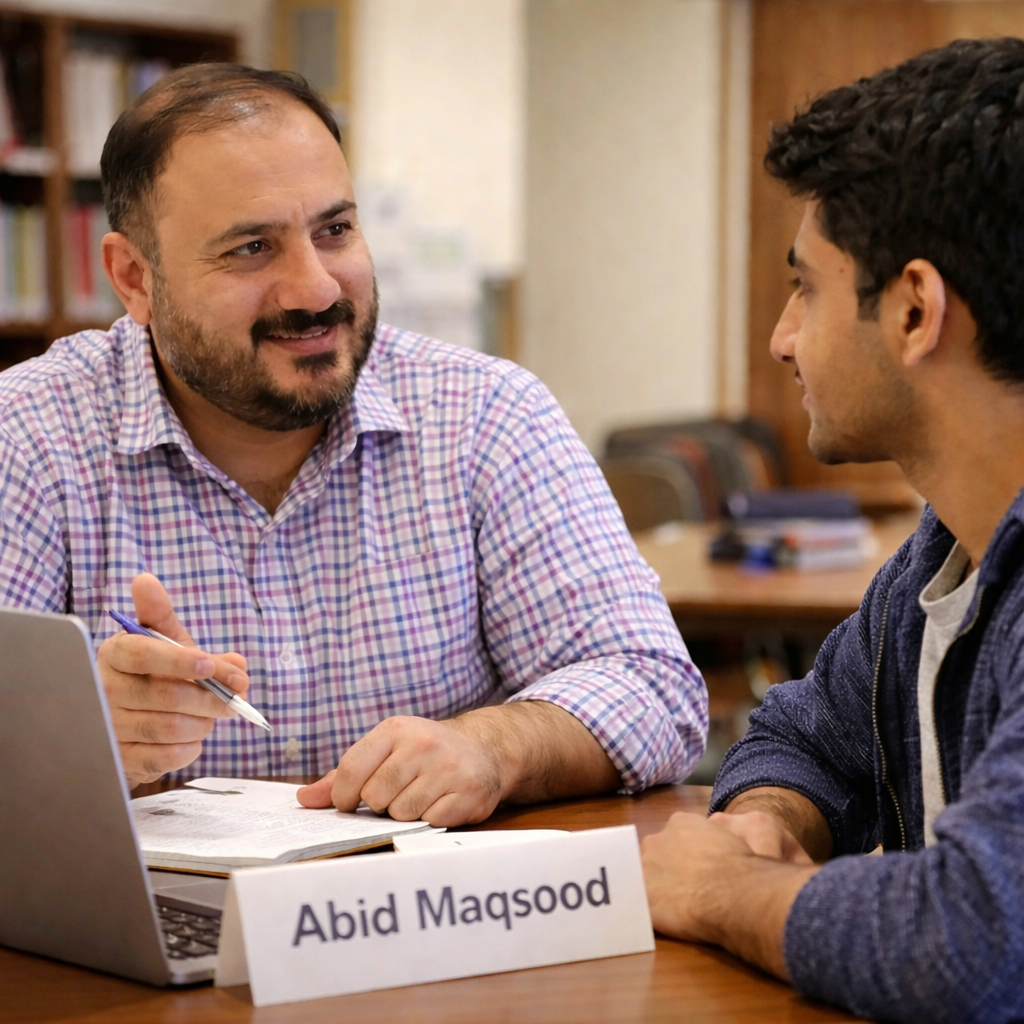
Effective communication is essential for virtual assistants, and tools like Slack and Gmail play a key role in managing daily interactions with clients, tenants, and team members. Using these platforms professionally ensures clarity, efficiency, and strong working relationships.
1. Overview of Slack and Gmail
- Slack: A team communication tool used for instant messaging, channels, and collaboration.
- Gmail: An email platform used for formal communication, documentation, and external correspondence.
2. Importance of Professional Communication
- Builds trust and credibility with clients and teams
- Ensures clear and timely communication
- Reduces misunderstandings and errors
- Maintains a professional image in all interactions
3. Using Slack Professionally
- Use Channels Appropriately: Post messages in relevant channels to keep communication organized.
- Be Clear and Concise: Keep messages short and to the point.
- Use Threads: Reply in threads to maintain conversation flow.
- Respect Work Hours: Avoid unnecessary messages outside working hours.
- Use Status Updates: Indicate availability (online, busy, away).
- Maintain Professional Tone: Avoid slang or overly casual language in work settings.
4. Using Gmail Professionally
- Clear Subject Lines: Summarize the purpose of the email.
- Professional Greetings: Use proper salutations (e.g., Dear, Hello).
- Structured Content: Organize emails into short paragraphs or bullet points.
- Proofreading: Check grammar and spelling before sending.
- Timely Responses: Reply within a reasonable timeframe.
- Use CC/BCC Properly: Include relevant recipients without overloading others.
- Professional Signatures: Include your name, role, and contact details.
5. Role of a Virtual Assistant
Virtual assistants use Slack and Gmail to:
- Communicate with property managers, tenants, and vendors
- Share updates and reports
- Respond to inquiries and requests
- Coordinate tasks and schedules
- Maintain professional communication records
6. Best Practices
- Keep communication respectful and professional at all times
- Avoid sending incomplete or unclear messages
- Use proper formatting for readability
- Maintain confidentiality of sensitive information
- Follow company communication guidelines
Why This Matters
Professional use of Slack and Gmail improves communication efficiency, strengthens relationships, and ensures smooth workflow management. It helps virtual assistants represent their clients professionally and maintain high standards in property management operations.
This training equips virtual assistants with the communication skills needed to use Slack and Gmail effectively in a professional environment.